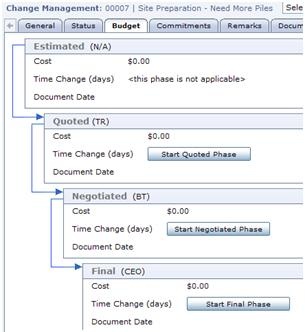
The Change Management module is a central location where the entire history of a change is recorded, from initial estimate to final Change Order approval. The change process for both budget and commitments is reflected in Change Management, and each side has four distinct phases to match business processes: estimated, quoted, negotiated and final.
Change Management can be initiated from within several other modules of Contract Management. The initiating document will be linked in to the Change Management document, providing a full history of how, when and why the change originated.
Go through the photo gallery below for a quick overview of the Change Management module.
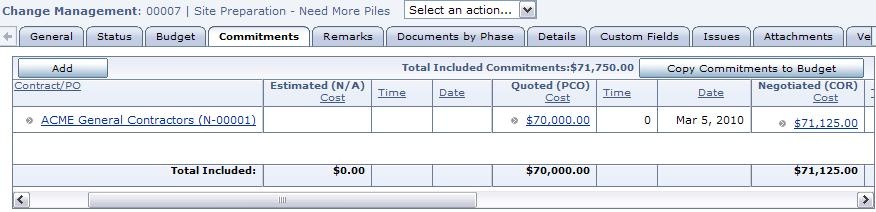
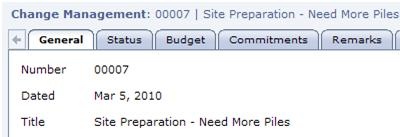
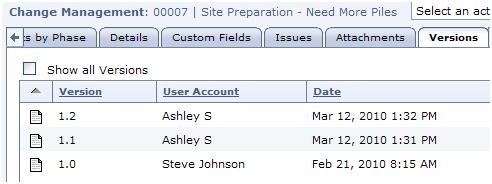
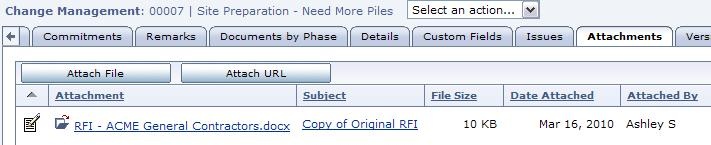
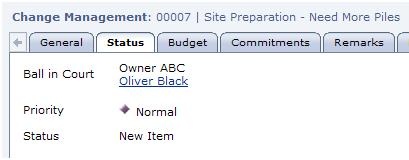
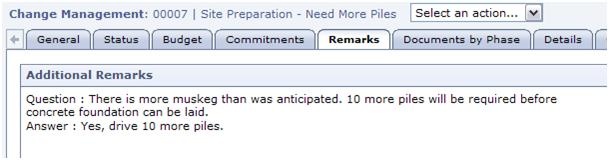
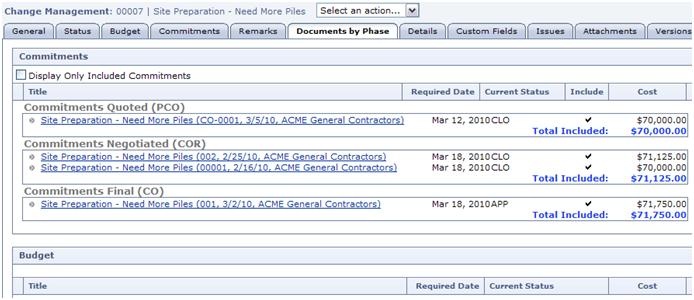
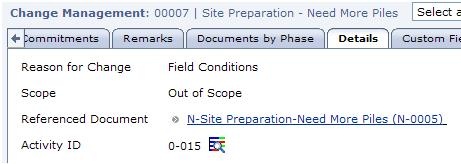
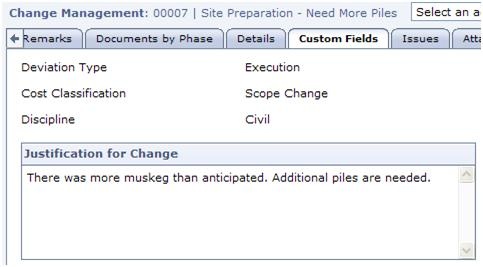
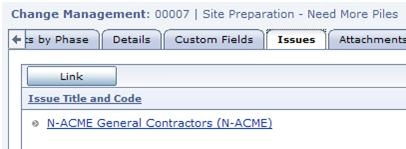
In the Commitments Tab, change documents affecting one or more of the commitment contracts can be created in each of the four phases. The General Tab provides a place to record basic Change Management information, such as number, date, title. The Version Tab holds all the recorded versions of the Change Management document. Versions can be recorded manually or they can automatically be recorded every time the document is modified and saved. This feature is new to Contract Management Release 13. In the Attachments Tab, associated URLs or documents can be attached, for example here the RFI that initiated the change is attached. The Status Tab has Priority and Status settings, as well as Ball in Court to draw a particular contact’s attention to the document. In the Budget Tab, change documents affecting the Budget can be created in each of the four phases. The Remarks Tab contains information from the document that initiated Change Management, in this case a Request for Information with a Question and Answer. Links to each of the phases of the change process are available in the Documents by Phase Tab. The Details Tab contains a link back to the document that initiated Change Management. The Change Management document can also be linked to an Activity from the P6 schedule for reference. Custom Fields allow you to track any type of information that you may need. Various types of data fields can be used, and pick lists can be used to validate data that is entered. An unlimited number of Issues can be linked to each Change Management document. An issue is like a virtual file folder holding links to each document related to a particular subject, work package or issue.