Primavera Contract Management:
Payment Requisition Module
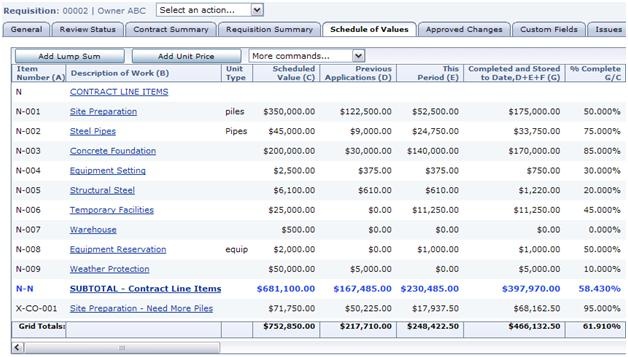
Payment Requisitions or Progress Payments are formal requests for payment. Progress can be recorded at either the Contract or Purchase Order line item level, and also against approved Change Orders. This module has been designed in order to streamline and manage the process of requesting, approving, and processing payments related to project contracts. It helps to ensure that payment requests are accurate, documented, and processed efficiently and in a timely manner, contributing to effective project financial management and maintaining positive relationships with your contractors and suppliers. Ensure that your payments are being made properly and in accordance with contractual terms including holdback release and retainage.
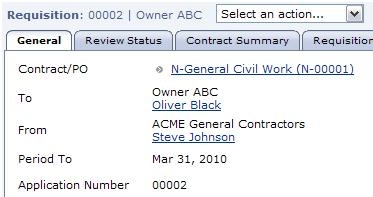
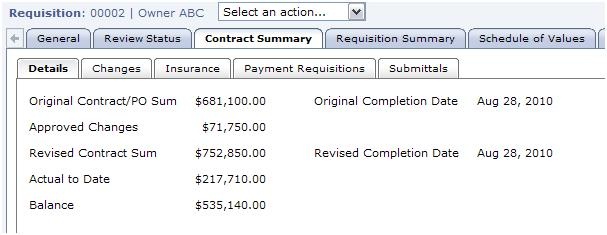
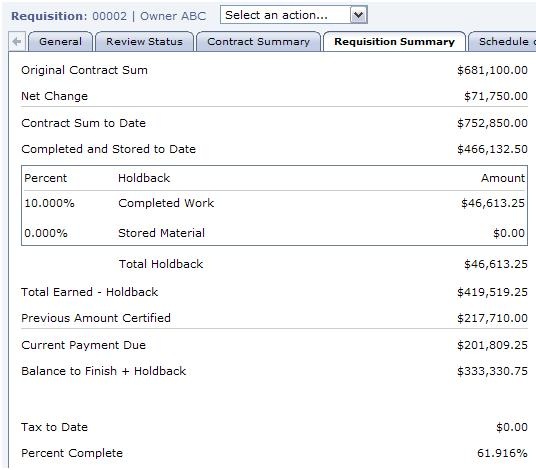
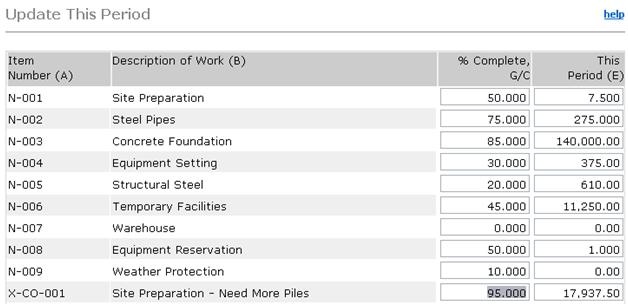
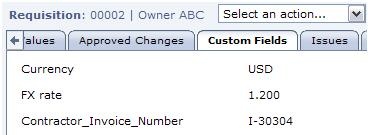
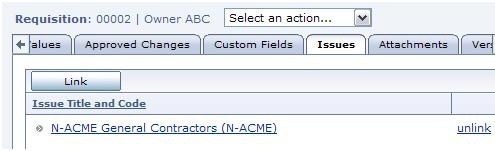
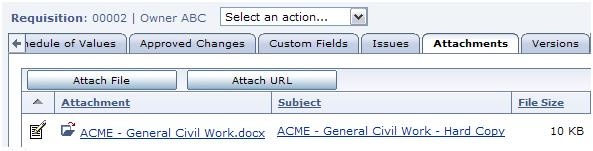
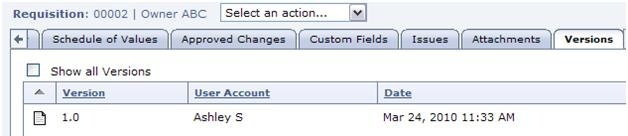
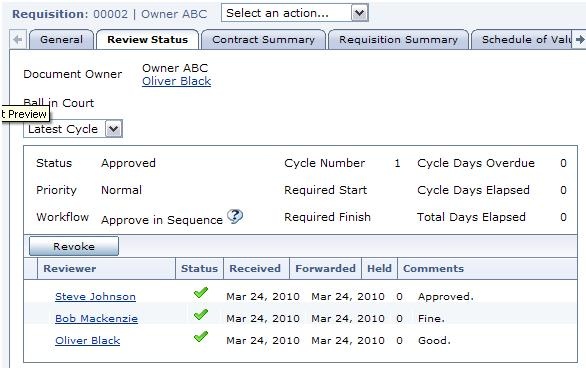
Take a scroll through the gallery of photos below to get a quick overview of the Progress Payment module in Primavera Contract Management.