P6 Activity Code Cleanup Utility
Automate the movement of P6 activity codes to the Global, EPS or project levels
Problem
Typically, as a company grows, the number of projects that it is managing also grows. Initially these are dealt with as stand-alone projects, and the need to enforce standard activity codes is not recognized since data from projects can be combined manually for reporting purposes. However, with continued growth this becomes onerous, and the company must move to an enterprise wide management system. The diverse, non-standard coding is now a huge problem that is compounded when schedules are imported from third parties.
Primavera P6 allows the movement of a code from project level to EPS to global. Unfortunately, Primavera doesn't have the functionality to move the code from the global level to the project level.
Solution
The P6 Activity Code Cleanup Utility was built for our clients who had activity codes that needed to be moved from the global level of P6 to the project level and wanted to avoid tedious and time consuming data entry efforts. This application was stated to have saved a recent client six months of data cleanup which was completed in only eight hours with Emerald’s utility. This was particularly important since the client was going into a shutdown in less than six weeks.
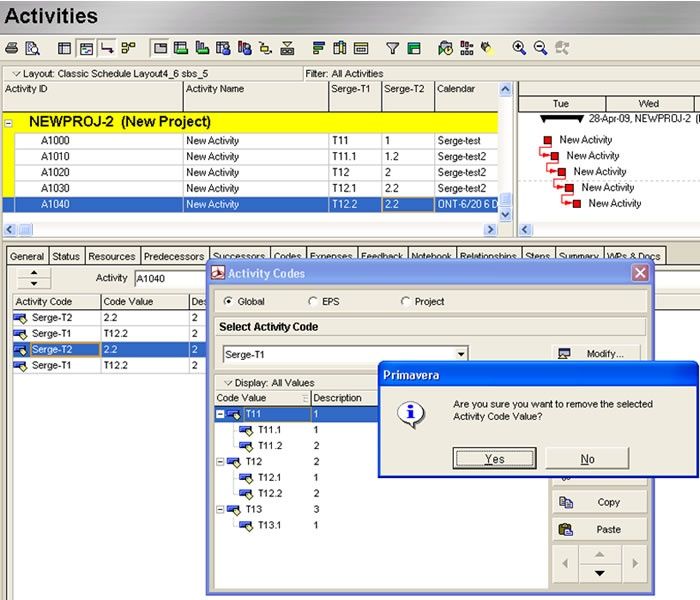
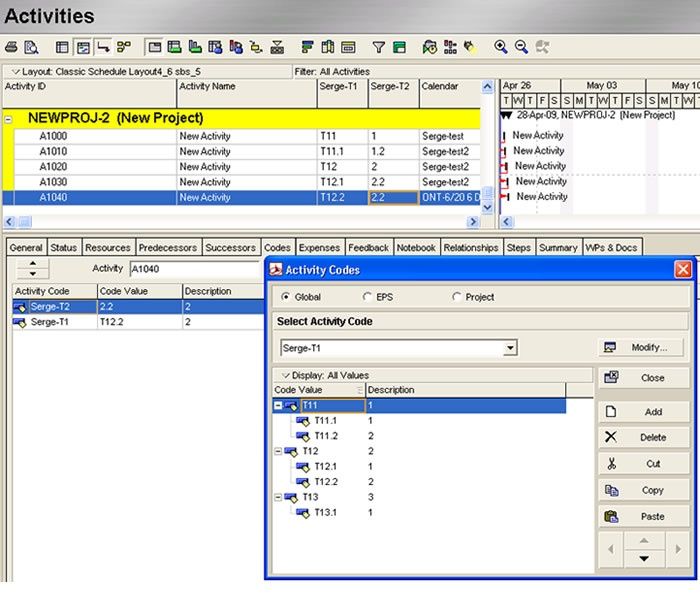
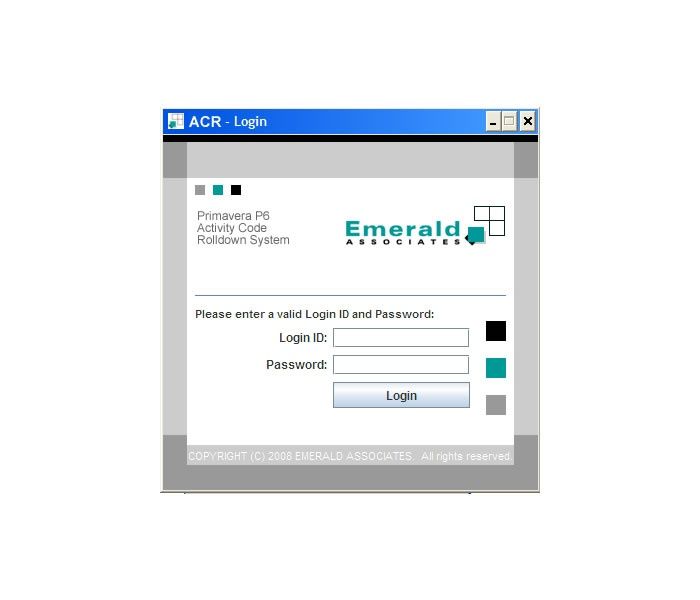
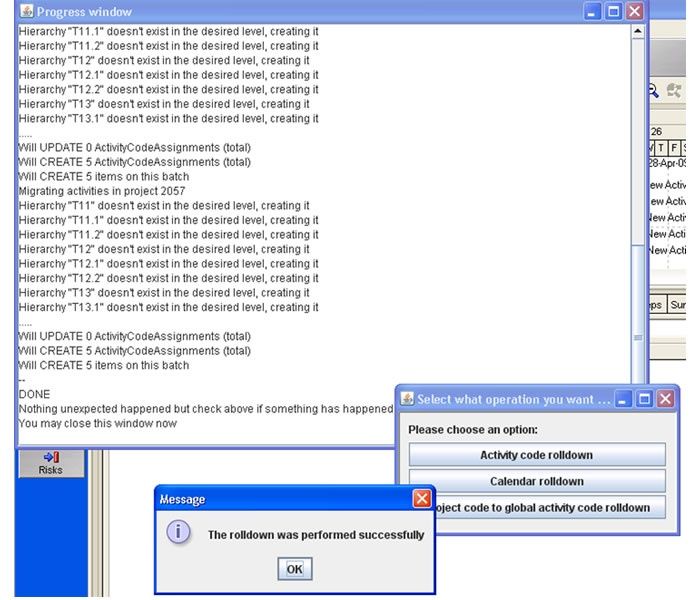
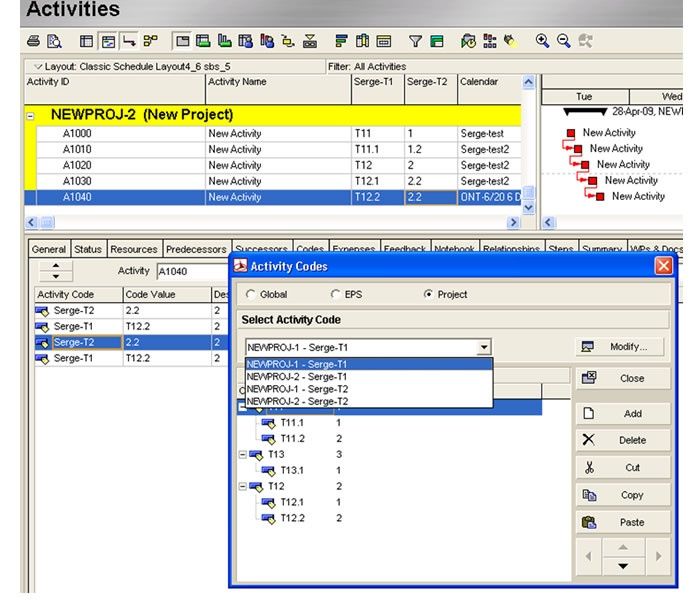
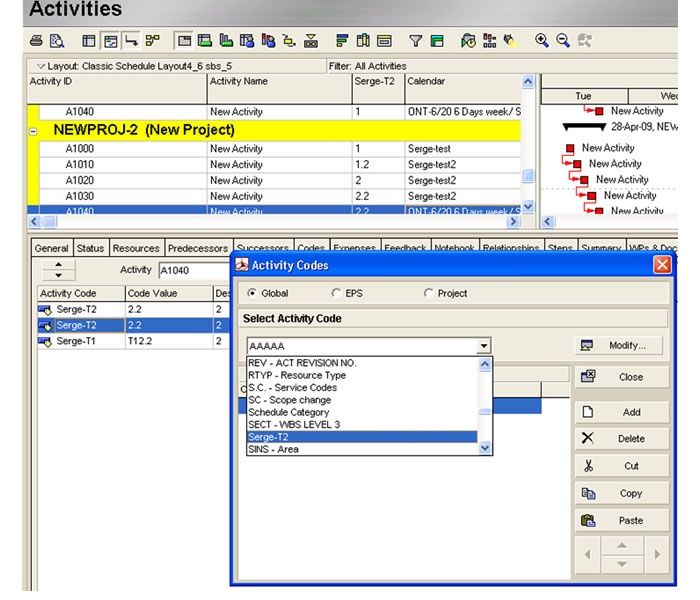
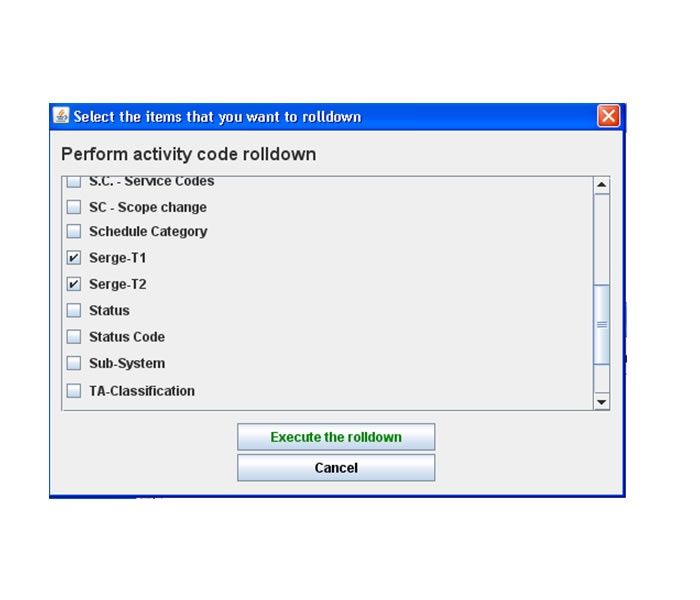
The below screenshots show how the Activity Code Rolldown application works in Primavera P6. The application will first look at which projects and baselines the specific Global Activity Code is assigned. Then it will create an identical, complete, hierarchical copy of the activity code and the code values at the project level and baselines. Finally, it will create identical code values assignments to activities.
Some Clients
Largest Energy Producer in Alberta, five other companies are currently performing the cleanup of global activity codes.
Potential Users
Companies that have been using Primavera for a long time and perform significant importing from third party contractors or engineering firms. Also, companies that are moving from stand-alone projects to a portfolio project management environment.
Gallery